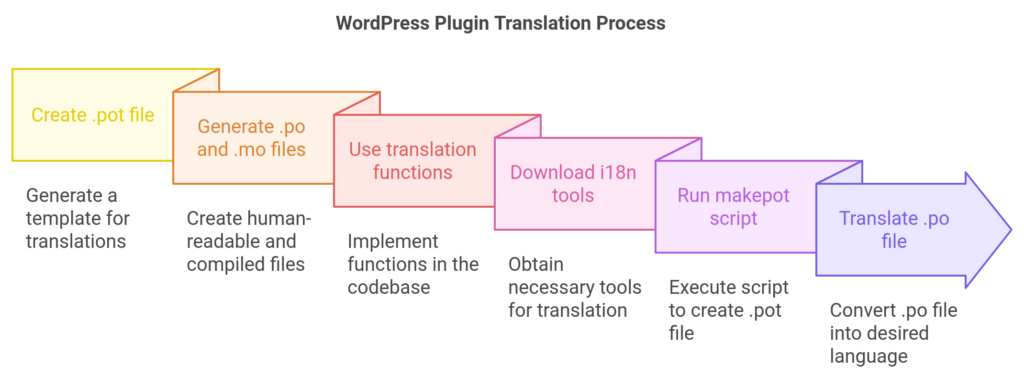
WordPress has its own mechanism to support plugin translations, but if you are a plugin developer yourself, you need to take care of that process at first place.
Everything important is covered in the i18n for WordPress devs page in the Codex. If you are new to this, a few comments:
1. You need a .pot file for your plugin – describing all static texts to be translated further.
2. Every language translation consists of a .po file and a .mo file
3. The .po file is the human readable key-value (original text – translation) content, whereas .mo file is the compiled version
4. You need to use __(‘Text to be translated’, ‘yourtextdomain’) and _e(‘Output translated’, ‘yourtextdomain’) functions in your codebase. .pot file generation through gettext searches for these functions and for the unique ‘yourtextdomain’ that is to be translated. Use the load_plugin_textdomain in your plugin.
5. Download the i18n tools and run the makepot script:
php makepot.php wp-plugin your-plugin-directory
6. Copy the pot file with the language domain and translate the resulting .po file
7. If ‘thepluginname’ corresponds to the text domain and the pot file name, call
msgfmt -o thepluginname.mo thepluginname.po